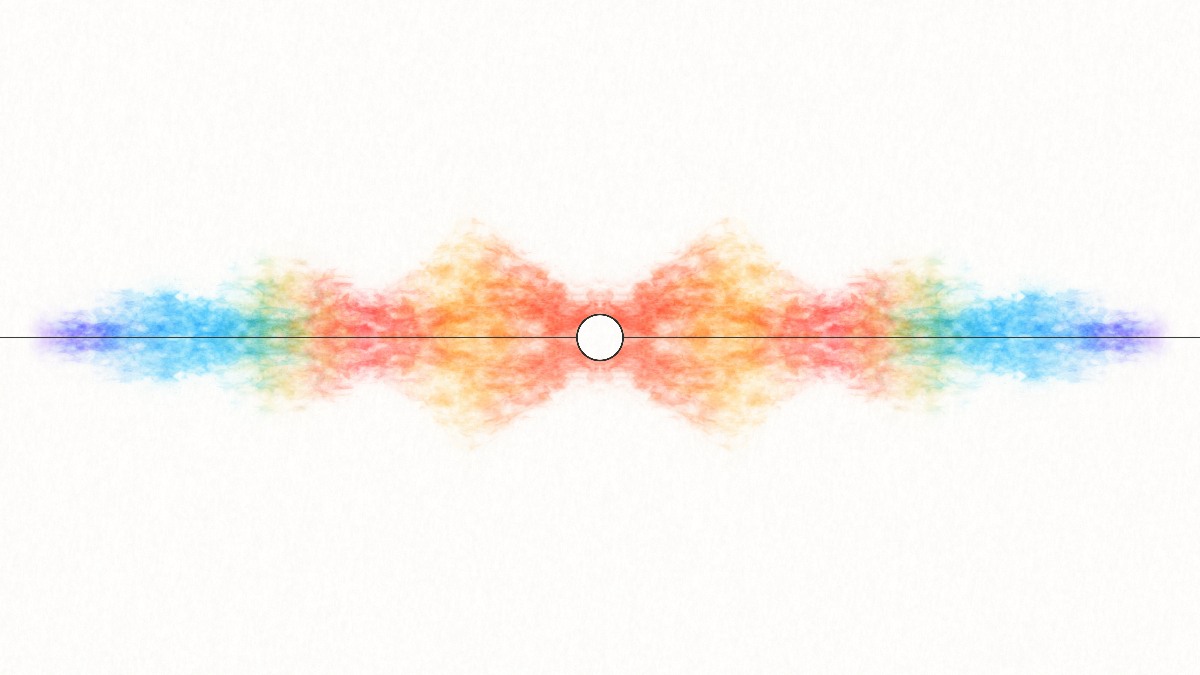
Soft washes, bleeding pigment, and paper grain. Your frequencies become a painting that keeps finding new colors.
You made the track. Give it a world. Create distinctive music visuals with watercolor, fire, cosmic clouds, and glowing 3D scenes.
Free · No watermark · No signup
Visualize music Make music with OrbitChoose a visual world for your next release, beat, or work in progress. Each studio reacts to your track and gives you room to make the look your own.
Soft washes, bleeding pigment, and paper grain. Your frequencies become a painting that keeps finding new colors.
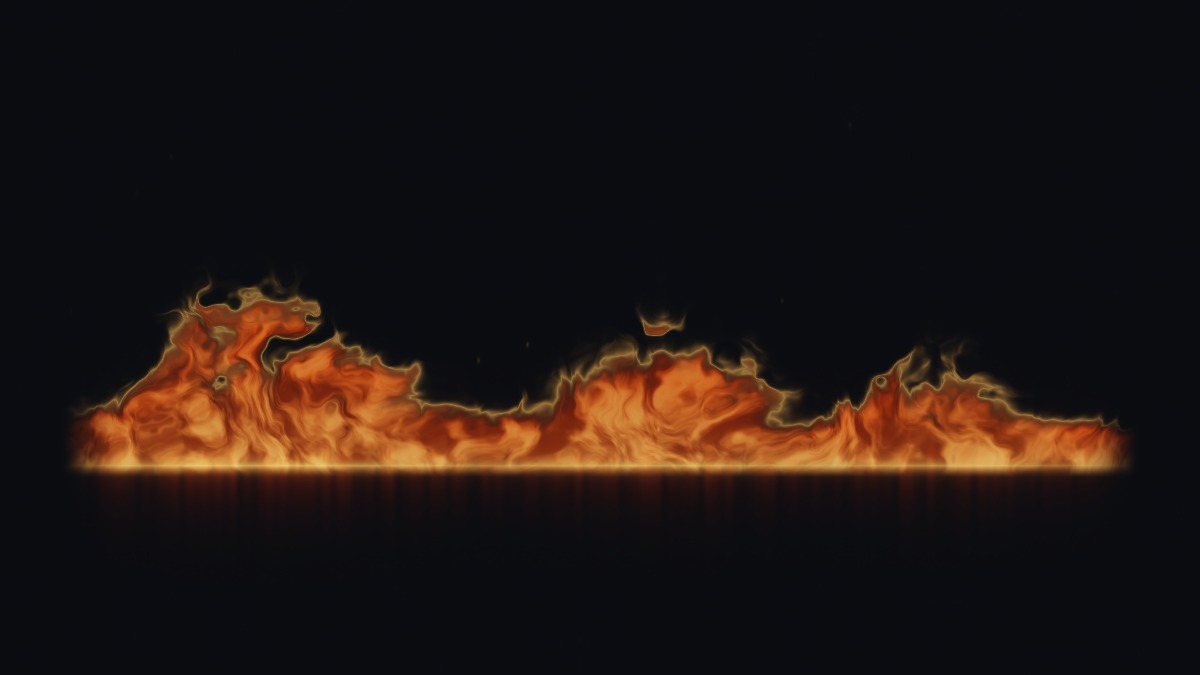
An ember seam comes to life. Curling flames, luminous edges, and rising sparks trace the energy of your music.
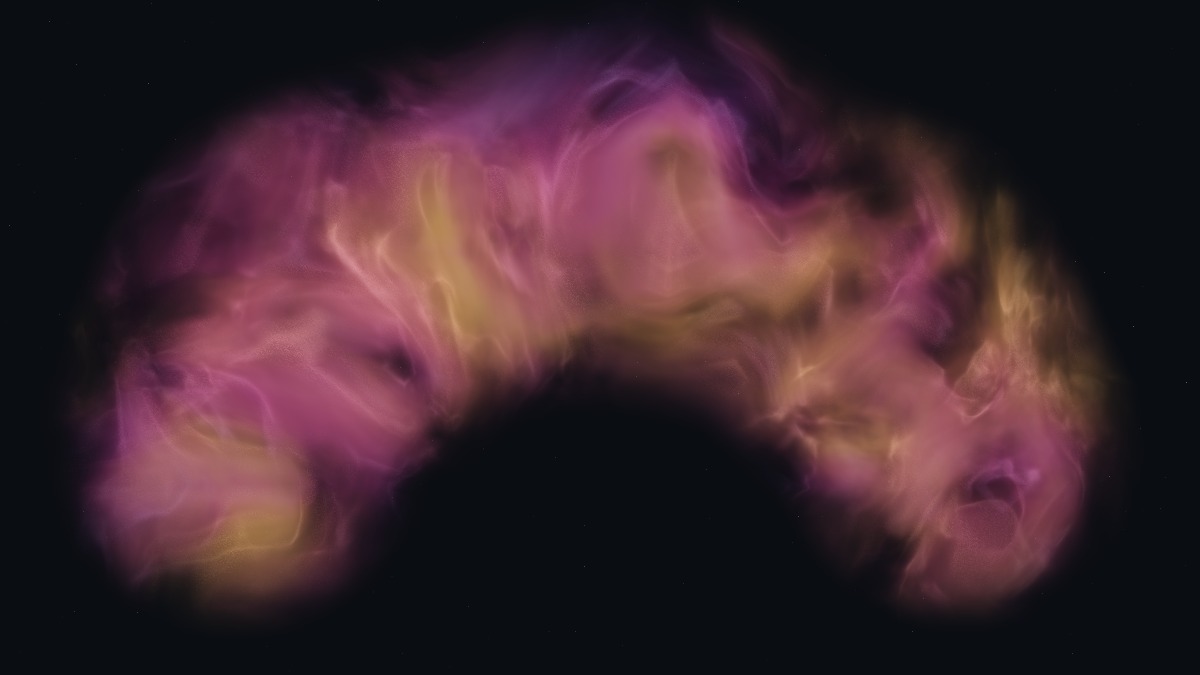
Drift into luminous gas and deep dust clouds. Let the music reveal wisps and filaments hidden within the nebula.
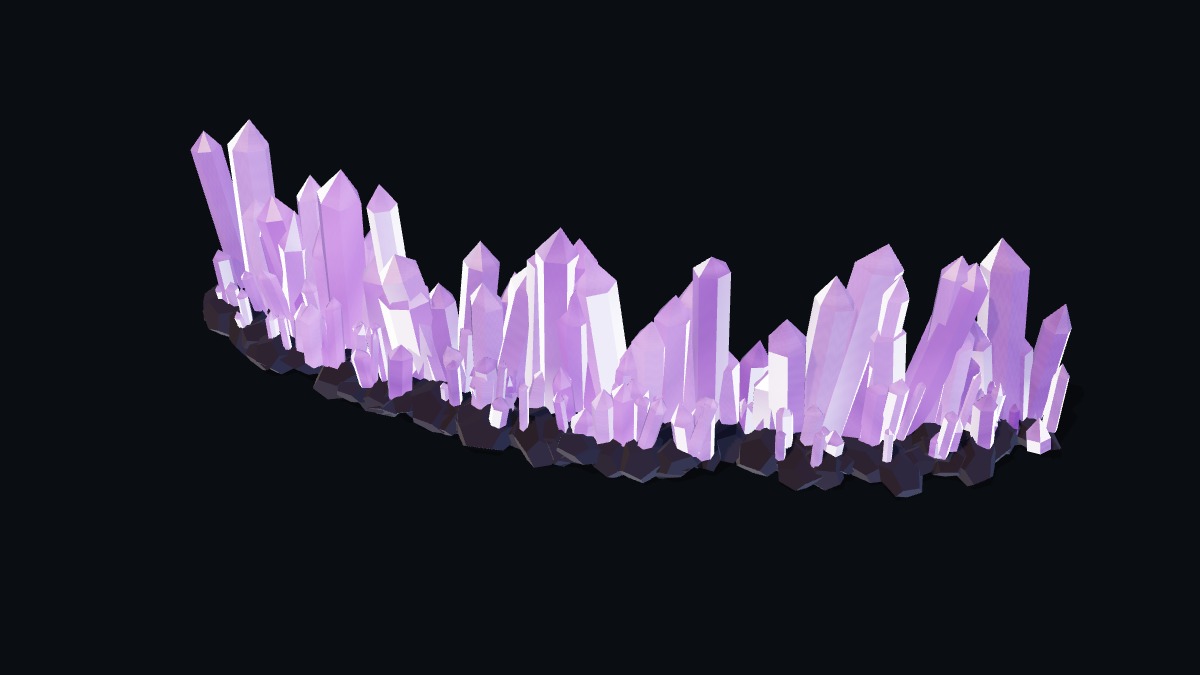
A mineral garden shaped by sound. Faceted 3D crystals rise and recede as light moves across their surfaces.
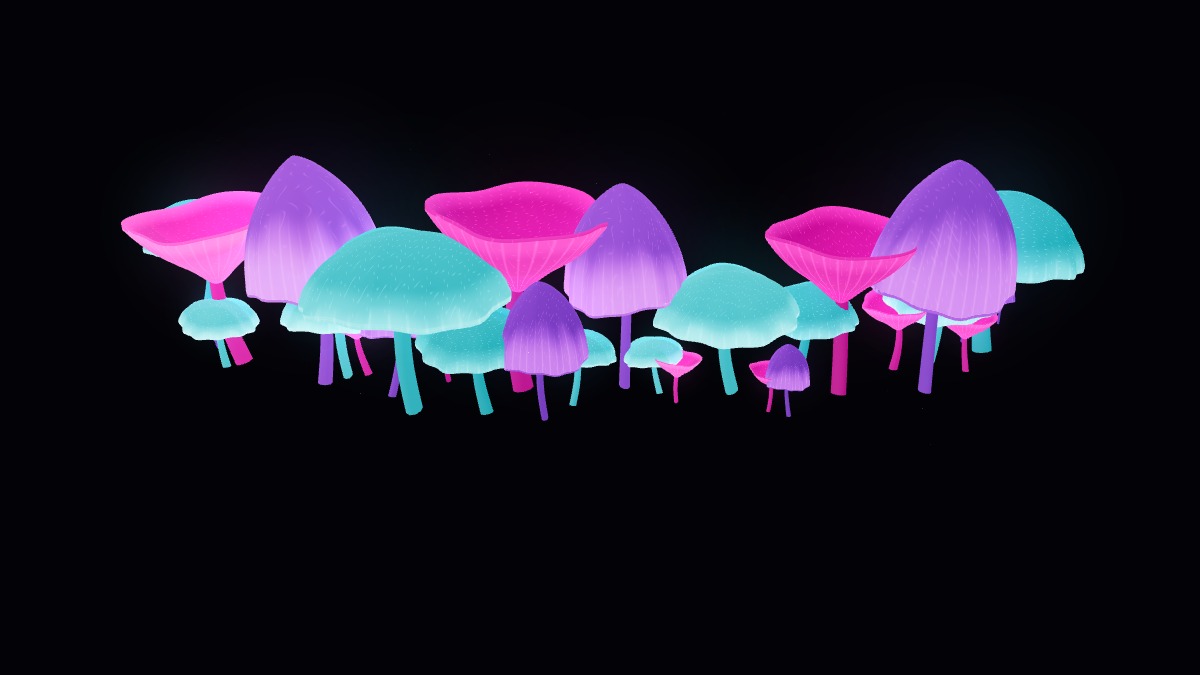
A small forest with a pulse. Sculpted caps and delicate gills glow to their own notes, with neon colors lighting up the dark.
A few notes can open into something that keeps unfolding.
Orbit by AquarellEQ is a free browser music maker built around musical atoms. Each atom holds a rhythm or melody on a shared clock. Add notes, a melody, bass or drums; choose your sounds, shape the tempo and room, and hear the pieces play together.
Think of it as a little improvisation. Keep drawing out new ideas yourself, or turn on changes to notes, key, tone and space. Stay with a pattern you love, or follow the next idea.
Choose Visualize this loop. Watercolor, fire, nebulae, crystals or glowing mushrooms respond to the same living music. Come back to editing whenever a new idea arrives.
Make music with OrbitBuild, improvise and save the ideas you want to keep.
Tell your AI the mood you have in mind. It can build the music in Orbit, shape the sound, and find a visual world. Listen, ask for changes, or make it your own.
Start with an AI agent that can interact with websites. Copy this prompt into its chat to try.
Open https://www.aquarelleq.com/orbit/ and make me a mellow, evolving song with warm keys, soft bass, and a detailed drum beat. Visualize it in Watercolor. Use the agent guide at https://www.aquarelleq.com/ai-usage.txt.
You can also select the prompt and copy it yourself.
You made the sound.
Give it a world
that feels like yours.
Open your own track, choose a visual style, and make it yours. Export for your next release, a beat preview, or a social post. Free, with no watermark or account.
Open your finished mix, a beat, or a work in progress. Choose the material that fits its mood, or try an included example to explore.
Shape the palette, movement, and materials around your music. Add your artist name, track title, and cover artwork to complete the composition.
Save a PNG or export a full-track MP4 in landscape or portrait for your release and social posts. Free, watermark-free downloads on supported browsers.
Orbit is a free generative music maker: play your own ideas or enable changes to the notes, key, tone and space. The live music can keep unfolding for as long as playback runs, and AquarellEQ can visualize the same session. Save the editable music to return to it later, or export a finite WAV or MP4 performance of up to four minutes.
Yes. All five studios are free to use, with no signup. Your PNG and MP4 downloads have no aquarellEQ watermark or logo added.
A music visualizer turns changes in sound into moving images. aquarellEQ analyzes the frequencies in your track and uses them to animate pigment, flames, gas, crystal formations, or glowing mushrooms in real time.
No. Audio and video you open are decoded and analyzed on your device. Video export also happens locally in your browser. Example tracks download only when you choose one.
Yes. Open your own audio or video file. In Studio settings, use Text & background to add your track title, artist name, and cover artwork. Your composition is included in saved images and exported videos.
Yes. Choose a landscape 1920 × 1080 or portrait 1080 × 1920 MP4 export. Export needs a browser with H.264 and AAC encoding support. Use music and images you have permission to share.
The studios adapt to smaller screens and require WebGL 2 with hardware acceleration. Preview performance and video export support depend on your browser and device; detailed scenes such as Nebula may benefit from a lower quality setting.